Registering for an Account
You need to register for an account to use features available in Discover. Discover accounts are FREE and give you access to all of the features in Discover, such as adding images to your shopping cart, using Open Data, and saving your session using a permalink.
-
Open an Internet browser and go to https://discover.vantor.com. A splash page displays asking you to either log in or register for an account. To register for an account, select Create Account. The Create a Discover Account dialog opens.
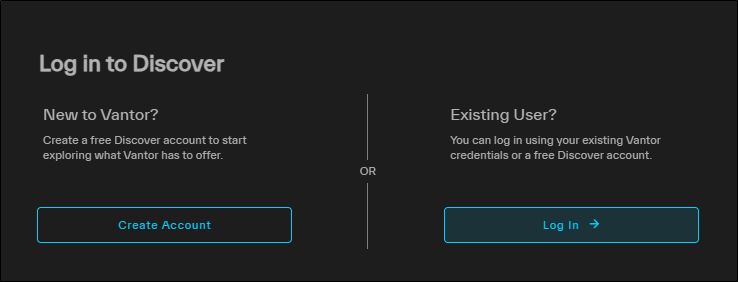
-
In the dialog, complete each field, then select Register.
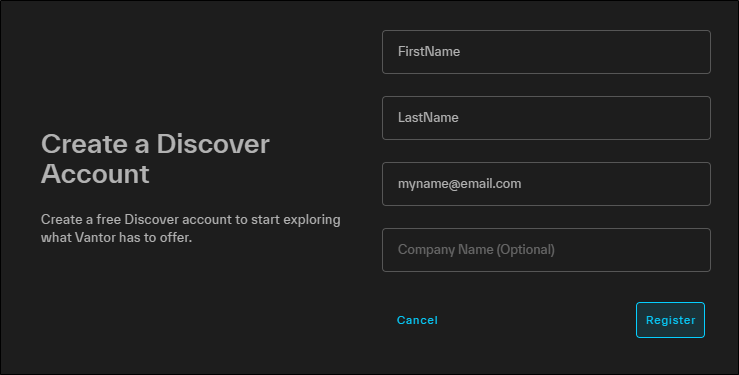
You will receive an email with instructions on how to complete the registration process.
-
In the registration confirmation email, select Confirm Email.
-
A confirmation page verifies that your email has been successfully confirmed. Select Click Here to Proceed. The Create or Update Password page opens.
-
In the fields, enter and confirm a new password.
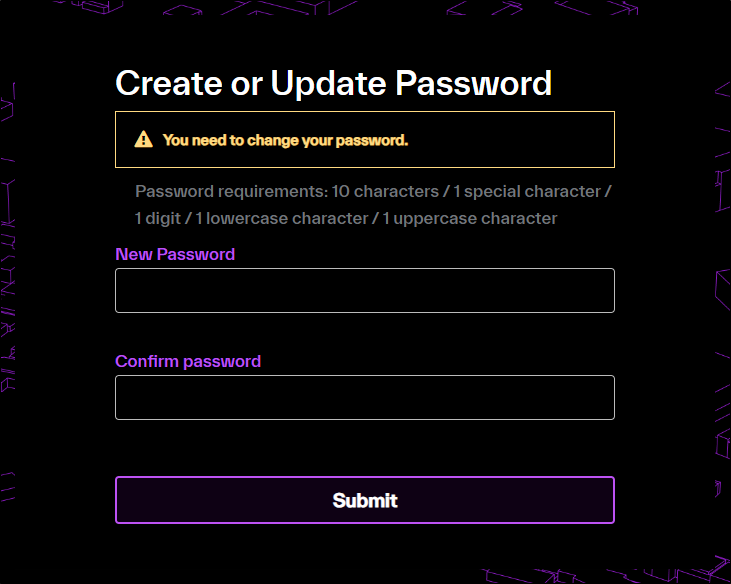
-
Select Submit. A confirmation dialog opens. You can now use your new password to log in