Showing Recent Collects
You can easily view imagery collected within the last 72 hours. This allows you to easily see if new imagery has been collected over your areas of interest (AOIs).
-
Select Imagery
 . The Imagery panel opens.
 -
Select Show Collects from the Last 72 Hours
 . From the menu, select Toggle Coverage. Footprints of imagery collected within the last 72 hours display in the viewport.
You may want to zoom out to see where footprints load, then zoom into an area once you see where recent imagery is available.
Please be patient while footprints load.
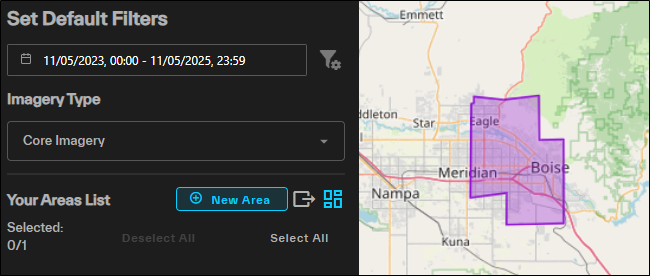
Purple footprints indicate recent collections over Boise.
Download Coverage Map
You can download a shapefile of recent collects to use in another program.
-
Select Imagery
. The Imagery panel opens. -
Select Show Collects from the Last 72 Hours
. From the menu, select Download Coverage. A shapefile of the imagery coverage downloads.