Rotating the Map
You can use the map
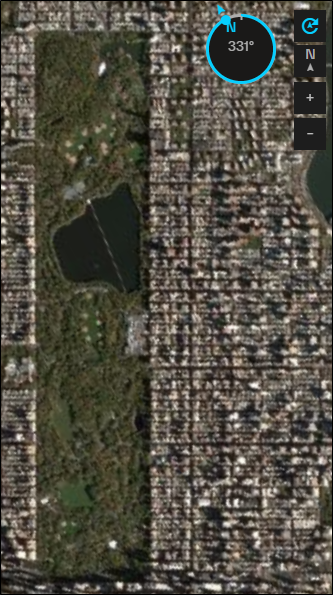
By default, an image of Central Park in New York City shows the park on an angle. By setting the map heading to
Do any of the following:
-
Display the Compass Select Map Compass
 . The compass opens.
To open the compass, you can also select and hold ALT on Windows, or select Command ⌘ on Mac.
-
Rotate the Viewport In the compass, click and drag the pointer. The value in the center of the compass indicates the angle of rotation.
The following images show examples of the map
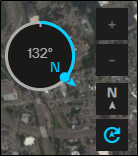
Rotated 132° |
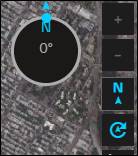
Rotated 0°, Oriented North |
The Map Compass and Reset Rotation buttons have different appearances based on different rotation situations.

|
Viewport rotated |
|
|
Compass hidden |

|
Viewport oriented North |

|
Viewport not oriented North |